

Energex Self Meter Read: How to Do It Fast and Correctly
You've opened your latest electricity bill and noticed the word estimated. Perhaps a card is sitting in the letterbox, explaining that the meter reader couldn't reach the meter. In South East Queensland, that's the point at which an Energex self meter read becomes useful, but only if you treat it as a time-sensitive exception rather than a routine monthly task.
The process is straightforward when the meter is accessible, the reading is recorded correctly and the submission reaches Energex within the required window. Dial meters create the most avoidable errors, especially when a pointer appears to sit directly on a number. The steps below focus on what makes a reading valid, what commonly causes rejection and how to keep a reliable record for any later billing discussion.
Why Self-Meter Reading Matters
A self-meter read is used after an Energex meter reader has attended the property but couldn't safely or physically access the meter. The reader leaves a card, and the account may then receive an estimated read instead of a measurement taken from the meter itself. Common access problems include a locked gate, an unattended dog, dense vegetation, a vehicle blocking the meter box or a meter that has been moved.
An estimate isn't automatically wrong. It's a practical method for keeping billing underway when an actual reading isn't available. The problem arises when the estimate differs materially from the household's real consumption, or when several billing periods pass without a dependable actual reading. That can make later bills harder to interpret and may create an unwelcome adjustment when an actual reading is eventually recorded.
Queensland still has a meaningful level of estimated billing. A Queensland Parliament submission citing Energex data reported estimated reads of 14.95% in the first quarter of 2021 and 14.55% in the first quarter of 2024, while second-quarter rates were 9.07% in 2021, 8.51% in 2022 and 10.13% in 2023. These figures show that access and estimation remain operationally relevant in South East Queensland, even as smart meter penetration has increased. The figures are discussed in the Energy and Water Ombudsman Queensland guidance on estimated bills.
The three-day operating window
EWOQ states that customers should provide the self-read within 3 days of being notified that the meter couldn't be read. That deadline matters because a technically correct reading supplied too late may not replace the estimate used for the bill.
The practical sequence is:
- Read the meter as soon as you receive the card.
- Photograph the display or dials so you have a contemporaneous record.
- Submit the reading through Energex Customer Self Service.
- Contact your retailer if the bill needs to be reviewed or adjusted.
Practical rule: Treat the notice card as a deadline, not as general information to deal with when the next bill arrives.
A self-read can help align billing with actual usage, but it doesn't guarantee that every estimated bill will be recalculated automatically. Retailer billing systems, validation checks and the timing of the submission all affect what happens next. If you're trying to understand how consumption data is measured more broadly, this guide to how smart meters work provides useful context.
Reading Different Meter Types Correctly
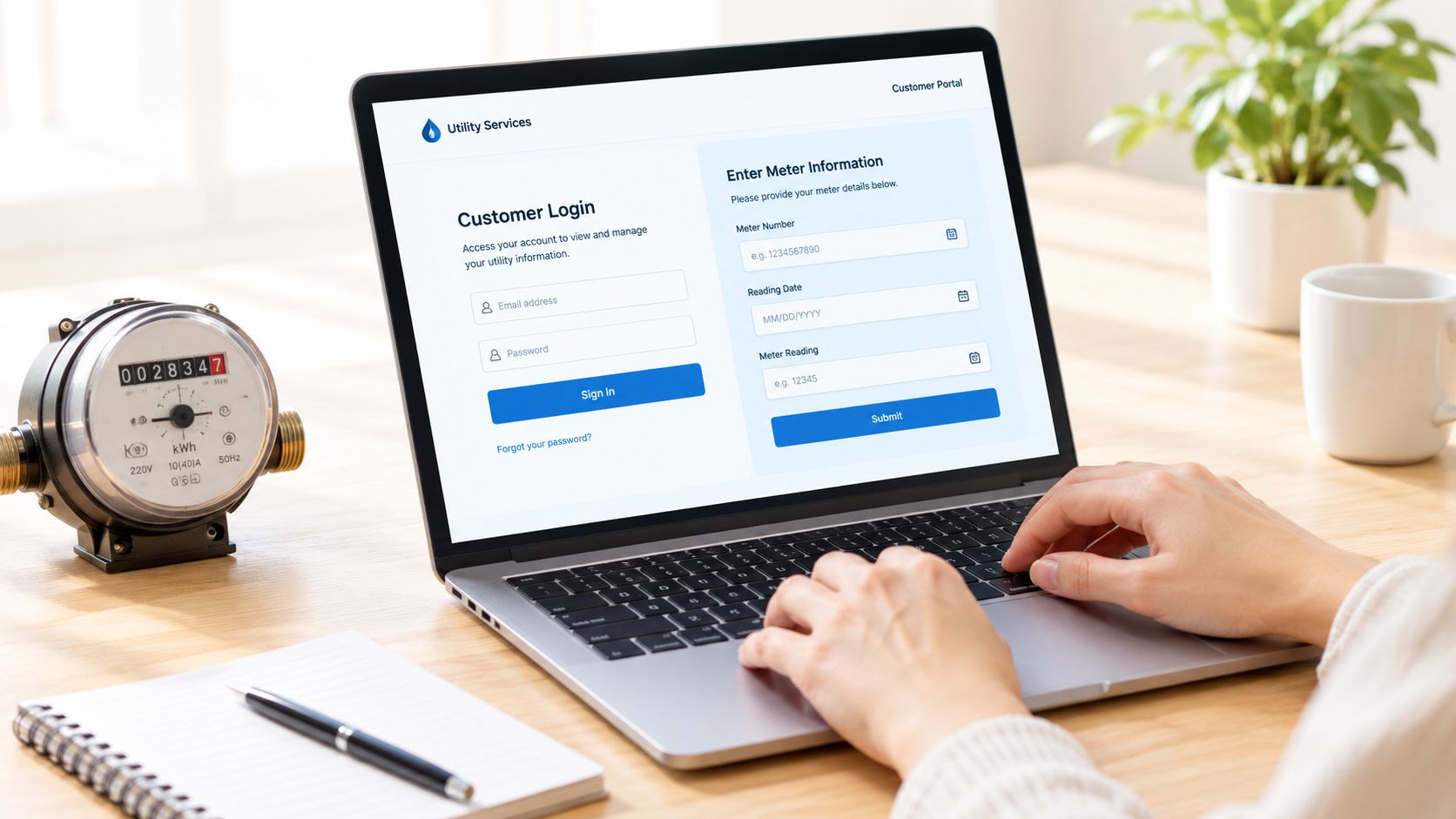
Start by identifying the meter before recording any figures. A digital meter presents the consumption reading on an electronic display. A basic dial meter uses several numbered dials, and the pointers must be interpreted together. Applying the digital method to a dial face is a common cause of rejected or implausible reads.
Digital displays
Read the accumulated energy register exactly as shown. Do not copy the NMI, meter number or serial number from a nearby label. If the display cycles through several screens, wait for the screen showing the relevant consumption figure before transcribing it.
Take a clear photograph of the complete display, including enough of the meter to identify it. Glare, reflections and poor light can make a correct entry difficult to verify, so change the phone angle or add light rather than relying on a washed-out image. Keep the original photograph until the retailer confirms that the account has returned to actual readings or the billing issue has been resolved.
Basic dial meters
Read the dials from left to right, following the direction marked on each dial. Adjacent pointers can move in opposite directions, so do not assume every dial advances clockwise. If a pointer sits between two numbers, record the lower number.
The exception is a pointer that appears to sit exactly on a number. Check the dial immediately to its right before recording it. If the right-hand dial has not passed zero, use the lower number on the dial being assessed. If the right-hand dial has passed zero, use the number the pointer appears to indicate.
This check matters when a pointer is close to a marked number. Recording the higher figure too early can create a one-digit error and produce a total that does not fit the previous actual reading. A photograph of the entire meter face preserves the pointer positions if Energex or the retailer questions the entry.
For a step-by-step visual explanation, use this guide on how to read an electric meter. Compare the dial sequence with the guide before submitting, especially where one pointer appears to rest directly on a digit.
Remove access problems before the next visit
A self-read records the meter after access has failed. It does not remove the obstacle that may prevent the next scheduled visit. Check the specific cause:
- Dogs: Secure dogs away from the meter path and keep dog details current in the relevant account records.
- Gates: Open gates or confirm that authorised access is available.
- Vegetation: Trim plants that hide the meter face or block a safe approach.
- Vehicles: Move cars, trailers or equipment from in front of the meter box.
- Insects: Arrange attention to insects inside or around the mechanism if they obstruct visibility.
- Relocated boxes: Make sure the meter location is visible and identifiable from the property boundary.
If you manage multiple properties or work in solar operations, automation software for solar companies can track access issues and follow-ups at scale. For a single household, a dated photograph and a short note about the access problem are the proportionate record.
Submitting Your Reading Through the Portal
Energex Customer Self Service is the relevant channel for submitting the read after the access card has been left. Before you can enter the figure, your profile needs to be connected to the correct property. Energex requires customers to log in and add either their National Metering Identifier, known as an NMI, or their address.
If you haven't used the portal before, allow time for this setup rather than waiting until the end of the submission window. The NMI identifies the electricity connection, while the address helps confirm that you're attaching the read to the right site. You can learn more about this identifier in the guide to what an NMI is.
A reliable submission sequence
Use this order to reduce avoidable mistakes:
- Log in to Energex Self Service. Confirm that the profile shows the property where the access failure occurred.
- Add the NMI or address if necessary. Check the property details before proceeding.
- Open the self-meter read function. Don't enter the number into a general enquiry field.
- Transcribe the reading exactly. Match the meter's numbering format and omit any unrelated serial number.
- Review the value before submitting. Compare it with your photograph and the previous actual reading if available.
- Submit and retain the confirmation. Save a screenshot or confirmation reference with the meter photograph.
- Ask the retailer about billing correction. This is especially important when an estimated bill has already been issued.
Energex's meter-reading visit operates within a 5-day scheduling window, because weather, illness and other operational disruptions can change the exact day of attendance. That scheduling window is different from the customer's 3-day self-read deadline after notification. The field visit timing doesn't extend the customer's submission period. These operating details are set out in Energex's guidance on submitting a self-meter read.
What confirmation does and doesn't prove
A confirmation screen proves that the portal received your entry. It doesn't necessarily prove that the value will be accepted for billing correction. Energex and the retailer may still apply validation rules based on the meter type, numbering format, previous actual reads and submission timing.
Keep three records together:
- the access card or notification date
- the photograph taken at the meter
- the portal confirmation
That small evidence trail makes it easier to explain the sequence if the bill continues to show an estimate or the retailer asks when the reading was taken.
Common Pitfalls and Validation Failures
The most persistent misconception is that any submitted number will replace an estimate. It won't. The read must arrive within the allowed window, use the correct format and make sense when compared with the meter's previous actual reading.
A reading that is lower than the last actual read is a clear validation problem for a conventional accumulating meter. So is a value that contains the wrong number of registers or reflects the meter serial number rather than the consumption display. Dial meters create additional risk because recording the higher number when a pointer sits between digits can make the result look inconsistent.
Why an accepted read may still show as estimated
Customers sometimes assume that an accepted portal submission guarantees an actual bill. EWOQ notes that a bill can still display as estimated even when a self-read has been accepted. The word “accepted” may describe receipt or processing of the submission, while the retailer's bill may have already been prepared using an estimate or may require a separate adjustment.
The timing benchmark should therefore be more demanding than “I submitted something”. The useful standard is:
Submitted within the allowed window, recorded in the correct format, validated against the meter history and provided before the bill due date.
Late submissions are a particular problem. A correct number supplied after the permitted period may not be available for the billing event that prompted the notice. If the bill has already been issued, contact the retailer and ask what review or adjustment process applies. Don't assume the portal entry will revise the account without that follow-up.
Access failures often start before the reader arrives
Some failures aren't caused by the number at all. A meter reader may not be able to reach the box because a dog is loose, a gate is locked, vegetation has grown across the approach or a vehicle is parked in front of it. A moved meter box can also leave the reader unsure whether the visible equipment is the correct installation.
Correcting those conditions helps prevent another estimated read, but it doesn't validate the current submission. Deal with the access issue separately from the data issue. First preserve the actual reading and submit it correctly. Then make the property safer and easier to access for the next visit.
Retrieving Historical Metering Data
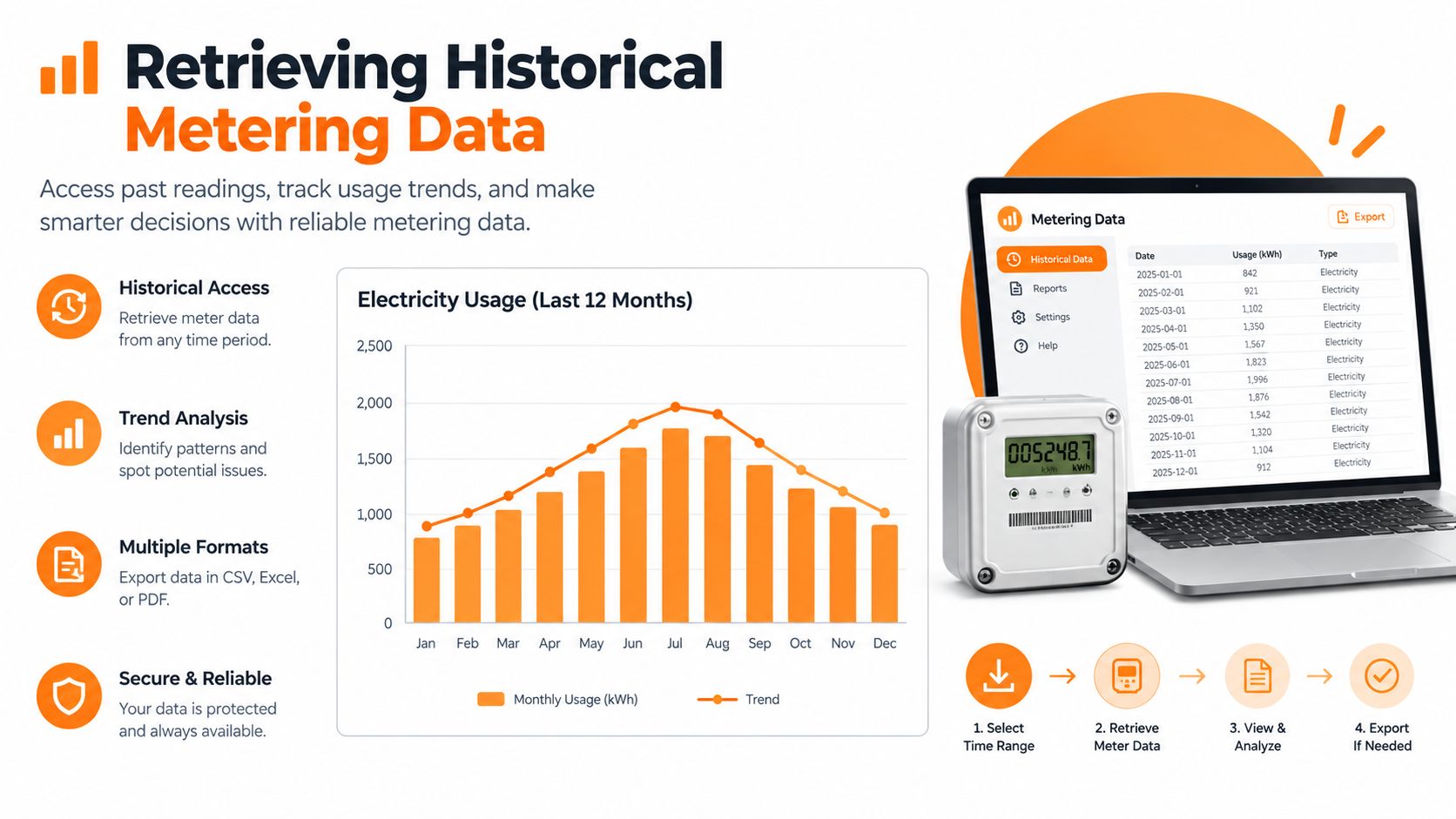
A single self-read answers an immediate billing question. Historical metering data helps establish whether the number makes sense in the context of the property's normal consumption. It can show whether a recent reading follows a sensible progression, whether estimates have diverged from actual use and whether a suspected billing anomaly is isolated or recurring.
Energex's metering data service allows customers to request up to two years of metering data, with records available from 1 January 2017. By 2026, that means the digital record has a potential history spanning at least nine years, although the amount and detail available depends on the meter type and the requested period. The service details are available through Energex's metering data access information.
Match the data to the meter you have
The format matters. Energex makes quarterly summary data available for accumulation meters, while monthly detailed data can be provided for some meter types. That distinction affects how closely you can compare an individual self-read with earlier usage.
Use the history for three practical checks:
- Sequence: Confirm that the new read is higher than the previous actual read where the meter records cumulative consumption.
- Scale: Look for an implausible jump or drop that could indicate a transcription error, a dial-reading mistake or a change in the property's usage.
- Billing alignment: Compare the dates and values with the estimated and actual reads shown on your bills.
Historical data doesn't automatically resolve a dispute. It gives you a stronger factual record when speaking with the retailer, particularly if you can pair the requested data with dated photographs and portal confirmations. It also helps separate a genuine change in household usage from an estimate that didn't reflect what happened at the property.
For households with solar, batteries or changing occupancy, context becomes even more important. Generation and stored energy can alter grid imports, while a change in heating, cooling or electric vehicle use can alter consumption. The history won't explain every cause by itself, but it gives you a dependable timeline for asking better questions.
Best Practices for Accurate Self-Reading
The strongest approach is simple: act immediately, photograph the meter and validate the number before submission. Waiting creates more risk than effort. The three-day window is short, and a late entry may fail to influence the bill that triggered the notice.
Use this checklist every time:
- Photograph first: Capture the complete display or all dial faces, with enough clarity to identify the reading.
- Identify the meter type: Apply digital transcription or the correct dial sequence, not a mixture of both.
- Check the progression: Make sure the value is higher than the last actual read where the meter is cumulative.
- Submit promptly: Use Energex Customer Self Service within the permitted window.
- Save evidence: Retain the notification, photograph and portal confirmation.
- Follow up with the retailer: Ask about an adjustment if an estimated bill has already been issued.
- Fix access conditions: Secure dogs, open authorised gates, clear vegetation and remove obstructions.
Accurate billing is part of responsible energy management. It gives you a cleaner view of consumption, supports better decisions about tariffs and helps you assess whether solar and battery assets are delivering the value you expect. It also prevents a minor access problem from becoming a confusing billing issue later.
For households in Queensland and New South Wales that already own compatible solar and battery equipment, HighFlow Energy provides a retailer-based Virtual Power Plant service that coordinates spare battery capacity for grid support while prioritising household energy needs. Visit the site to check eligibility, review how the allowance structure works and assess whether your current battery is being underutilised.